

Using Freja for Your University
Most major universities in Sweden use Freja for authentication. This means using Freja to access your university’s e-services and other resources.
If you need more information about what Freja is and how to use it for this, you’re in the right place.

What Is Freja?
Freja is a digital identity (e-ID) approved for use by the Swedish government and the EU.
It allows registered users to conveniently and safely access e-services of companies and organisations – both public and private.


How to Get Freja?
Freja is completely free to use and only need to register once. To complete your registration follow these steps:
Our staff operates Monday – Friday 8.00 – 22.00 CET.
If you need more information, check out our registration guide, or this short video that explains the process.
How to Use Freja
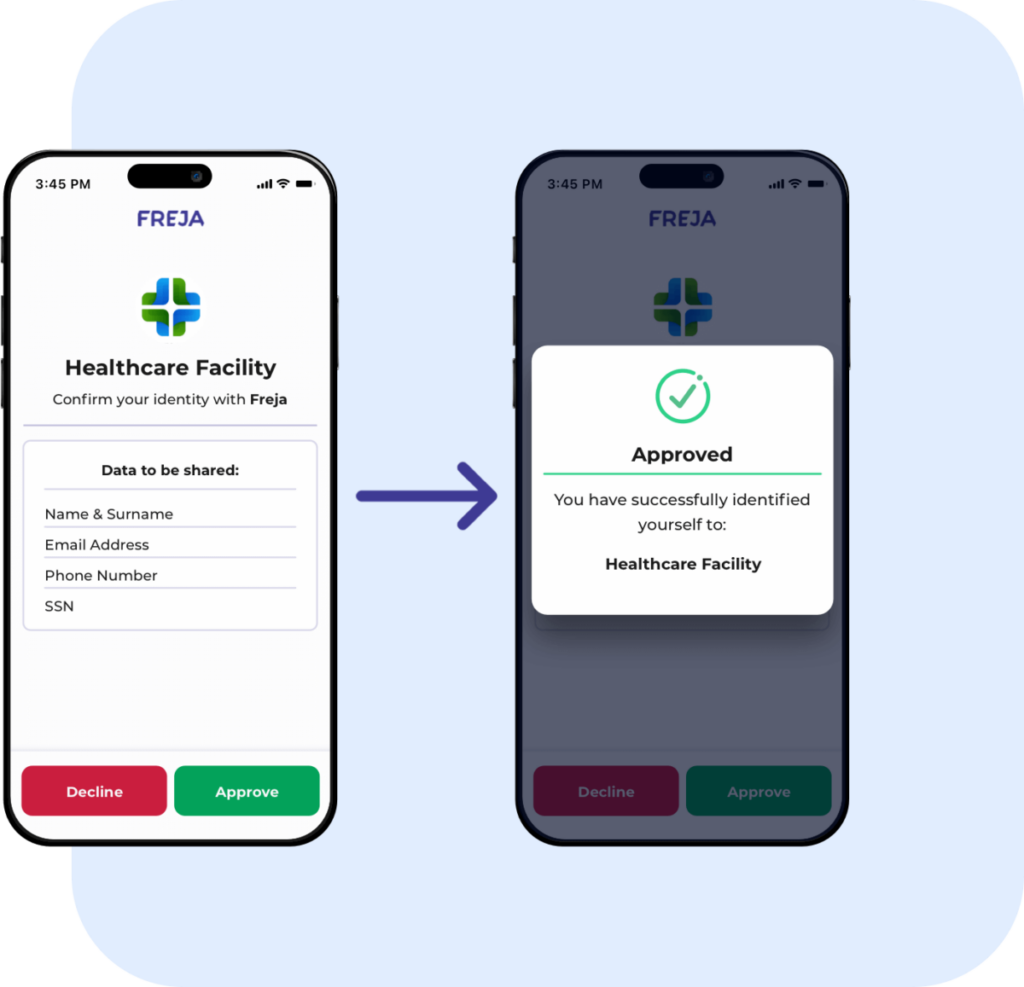
With Freja, you get a user-friendly and safe method for accessing your university’s e-services – no usernames or passwords required.
Access them by:

Need More Help?
Check out our support page for different use cases, solutions for issues, and contact details.