

Overview of the Issue
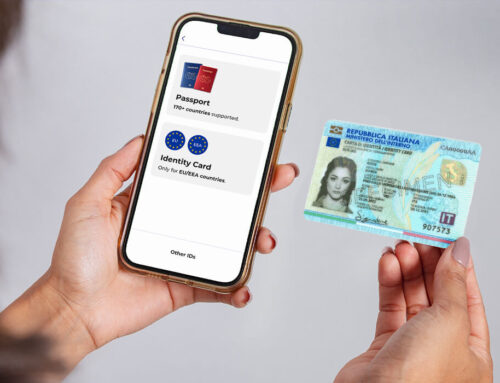
You have an active Freja account registered with e.g. a Swedish Tax Agency ID but need to share your passport data with the Swedish Migration Agency.
Currently it is not possible to have more than 1 ID in Freja. You must also keep the email associated with your account.
Recommended Procedure
To change the ID associated with your account follow these steps:
1. Delete the Freja app from your phone
2. Reinstall Freja and select ‘Already a User’ > ‘Recover Email’
3. Follow the instructions in the app using the same email as before
4. Make sure to register with your country’s passport that you need to share with the Swedish Migration Agency
We are currently working on a solution that will enable users to have more than 1 ID in Freja for this purpose, so stay tuned for news regarding this issue.