

Quick Facts
- Currently only available to people with a Swedish ID
- Have your Swedish passport or National ID card in Freja in addition to your other IDs
- Get Freja+ without going to an agent by adding your ID to Freja
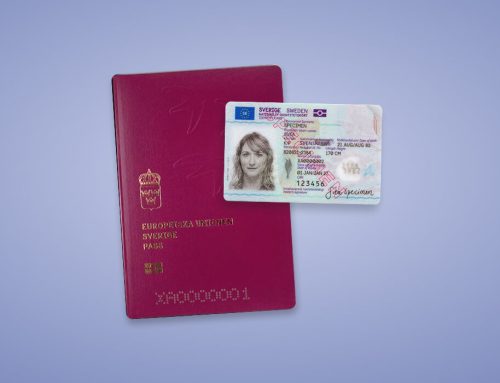
It is now possible to add an additional ID to your Freja account. Note that currently this is limited to biometric IDs issued in Sweden: the Swedish passport and National ID card.
This feature is also only available to users who initially registered their account with a Swedish ID. If your account was created with a foreign passport, you may not add IDs to your Freja account.
How to Add More IDs to Freja
You can see and manage your IDs either by tapping ‘My Documents’ on the Freja home screen, or by going to More > Manage Account > My Documents.
Here you will see an overview of your added IDs including when they expire. You can also initiate the process to add an additional ID to your Freja account from here.
Get Freja+ from the Comfort of Home
Freja+ is now even closer. Unlock the majority of e-services in Sweden without needing to do an in-person security check.
Add your Swedish passport or National ID card to Freja and, upon approval, receive Freja+ from the comfort of your home.
How to do it
Tap the ‘Freja+’ card on your Freja home screen and follow the instructions in Freja.
Need More Help?
Check out our support page or our full registration guide.